
Family life at a glance
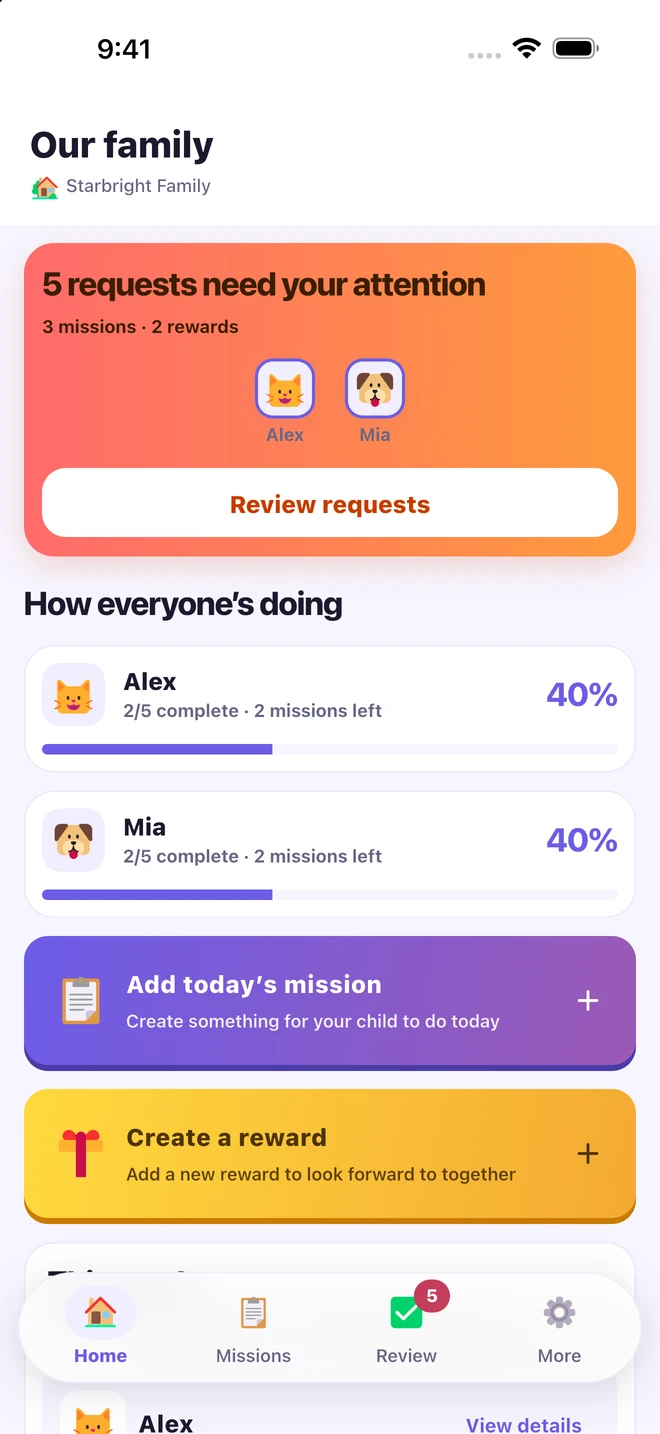
See today’s missions and progress for multiple children from the parent home. Find completed missions and reward requests waiting for your reply, all in one place.
Small steps, thoughtful praise
Turn small efforts into moments of connection. Share family missions, praise notes, stars, and rewards you choose together.


What it does
MoaByul brings family missions, thoughtful notes, and shared rewards into one place. You set the missions. Your child lets you know when they’re done. Your reply arrives as a praise gift, ready to open and collect the stars inside.
Reading a book, putting toys away, getting ready on their own. Start with something that fits your child’s day. It doesn’t have to be a big achievement to be worth noticing.
See today’s missions and progress for multiple children from the parent home. Find completed missions and reward requests waiting for your reply, all in one place.
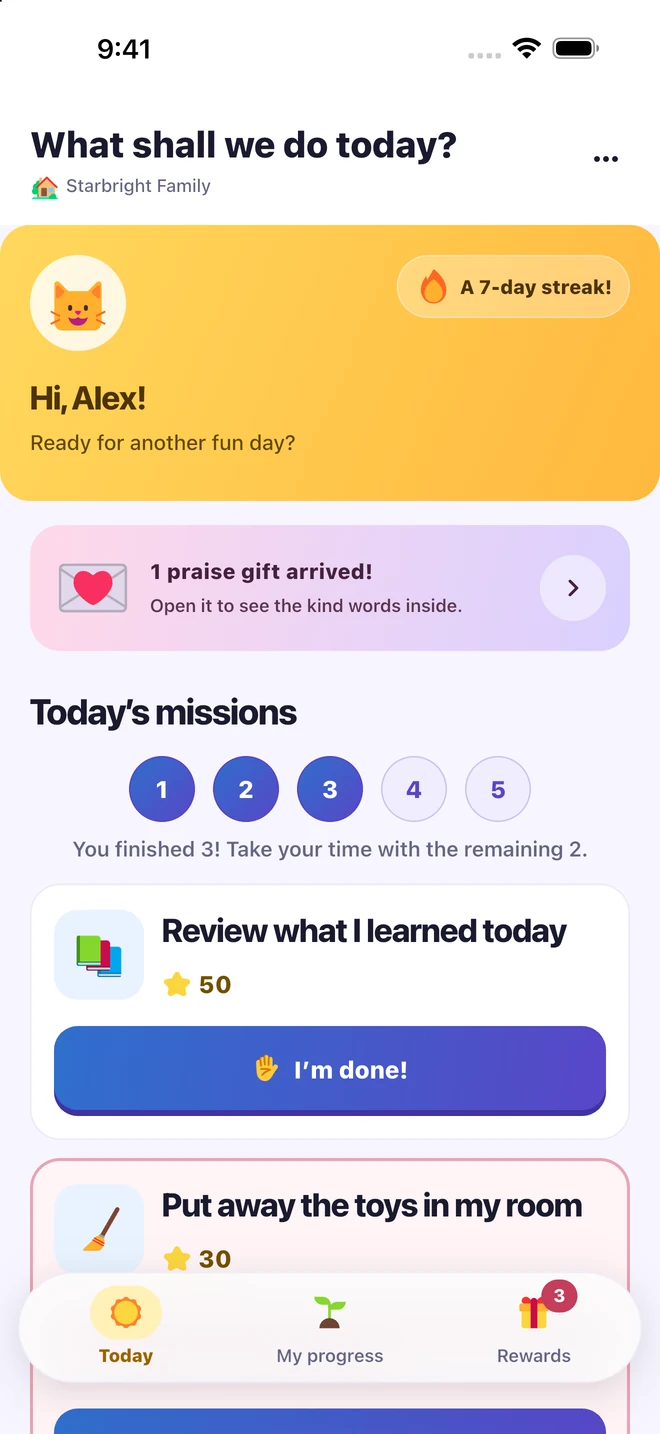
Create one-time or repeating missions that fit your family. Your child checks what’s on for today and taps ‘I’m done!’ when they’ve finished.
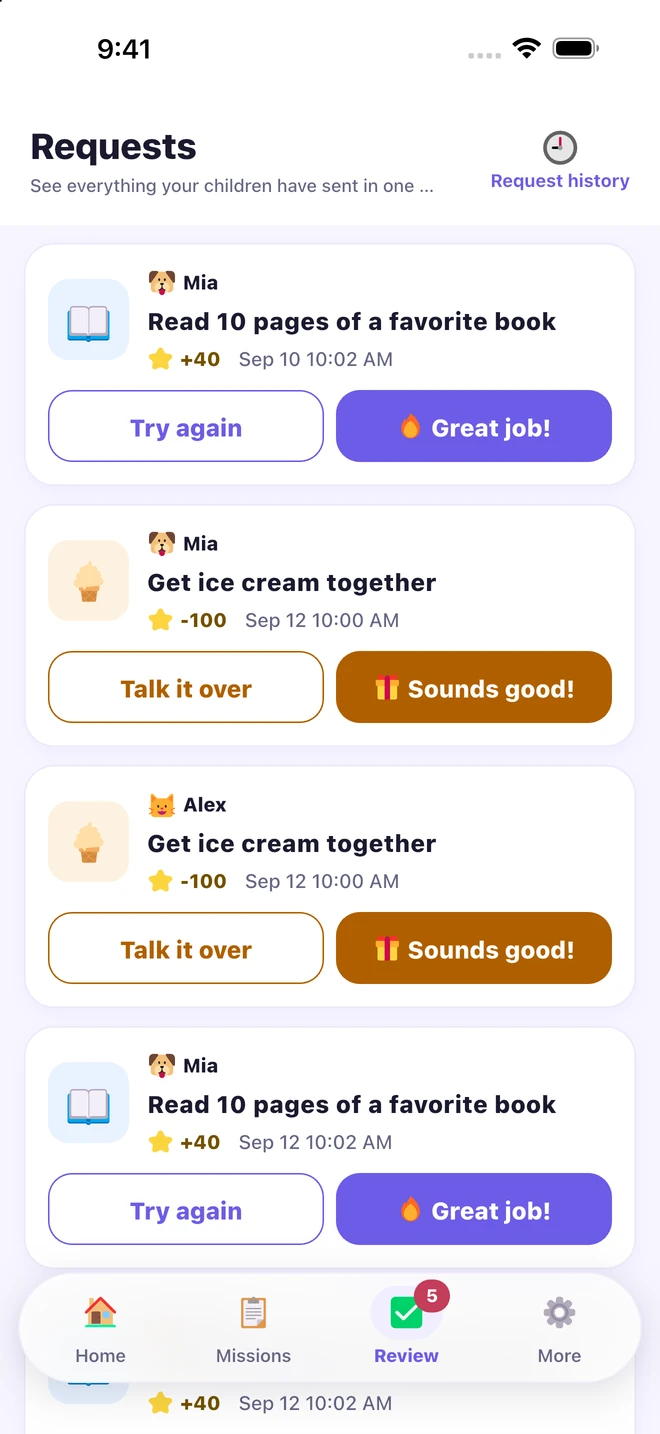
Review a completed mission and write a reply about what you noticed. A little encouragement can be personal. You can add bonus stars, too.
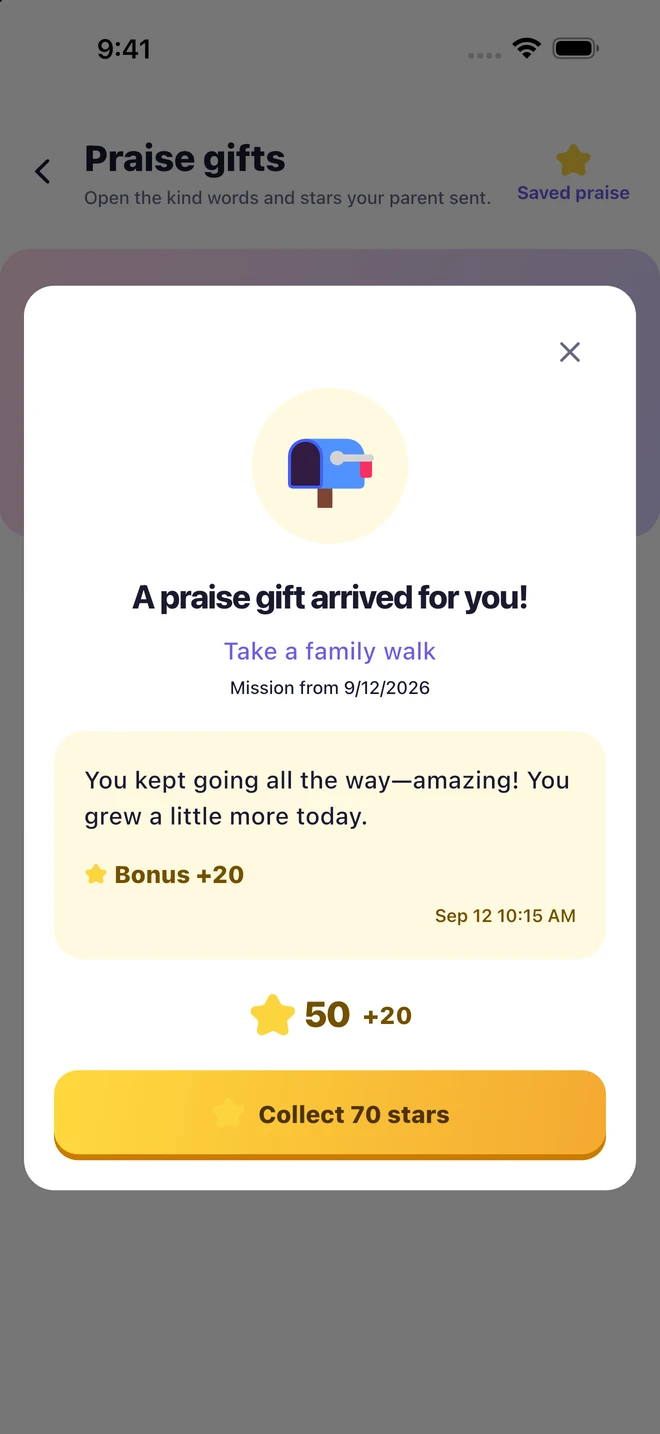
Your child opens the praise gift, reads your words, and collects the stars inside. A small effort gets a thoughtful reply they can come back to.
Agree on a favorite activity or time together. Your child saves stars, requests a reward, and opens your reply. Rewards are promises your family fulfills; MoaByul does not sell or deliver them.
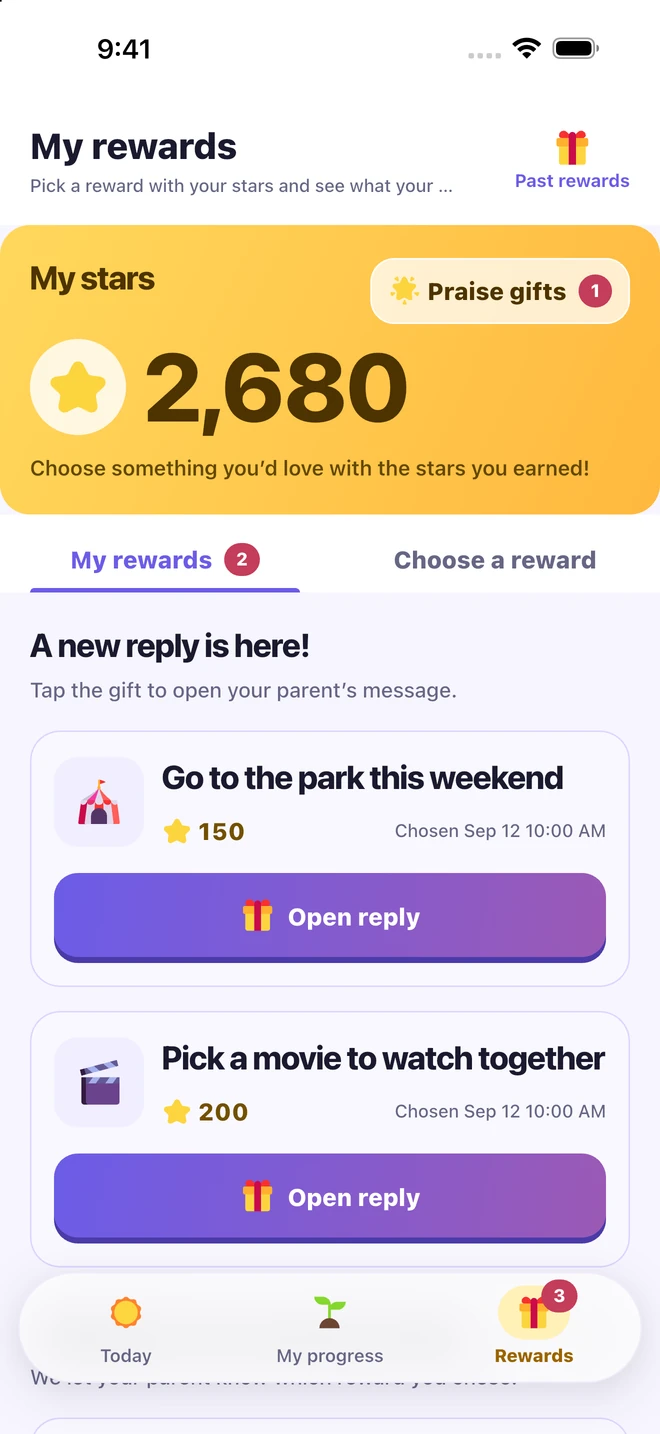
Explore weekly and monthly records together. Talk about what your child tried, what they completed, and what they’d like to try next.
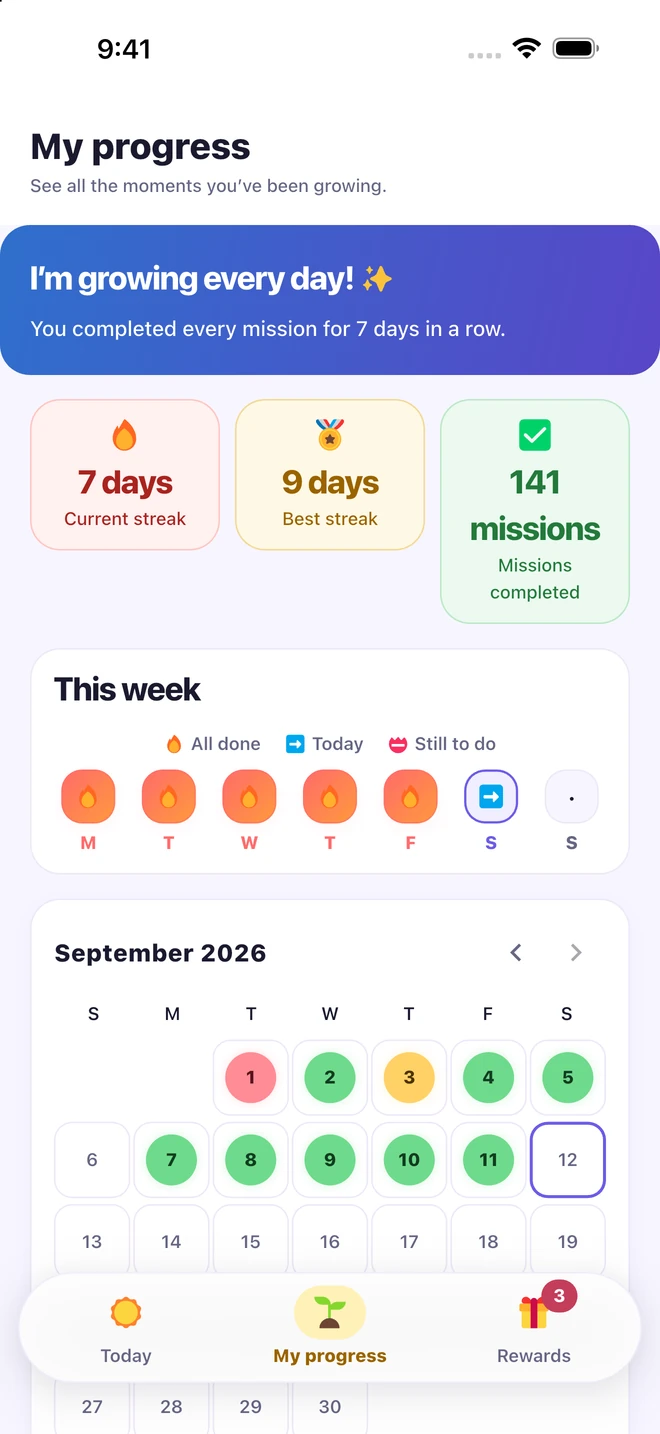
Create a family profile, add your children, and use a connection code to link a child’s device. Parents and children each have their own view of the same family activities. English, Korean, and Japanese are available in the app.
Names and activity shown in the screenshots are examples.